Get in touch
We're here to help, 24/7
Whether you want to browse our Help Centre for solutions or chat to us directly, we’ve got you — even on a Sunday.
Chat to us directly
Speak to our award-winning support team in 100+ languages via our secure in-app chat. Tap your profile in the top-left corner → Select Help → Choose the relevant topic and browse the FAQs → select Chat with us if you need more assistance.
Visit the in-app chat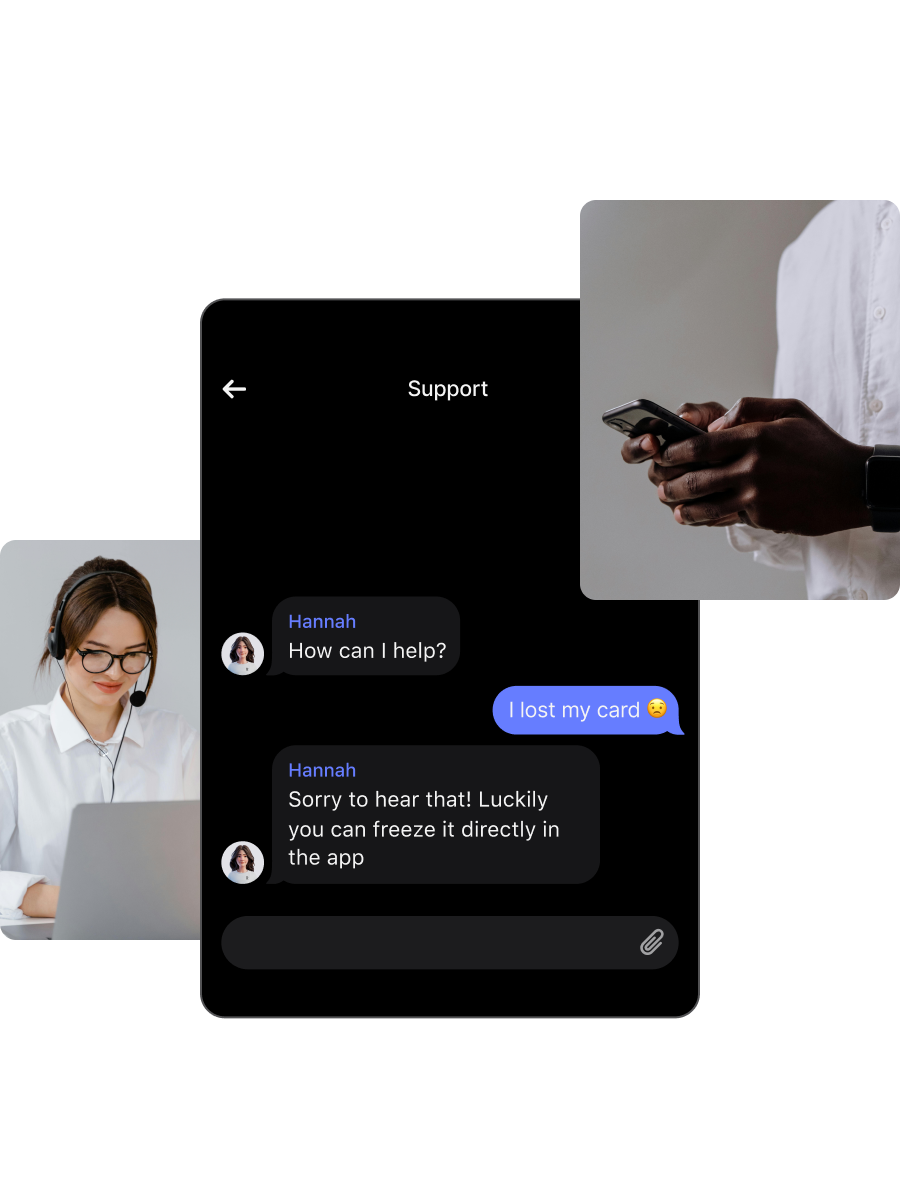
Ready-to-go answers
Find detailed responses to common questions in our Help Centre, the fountain of Revolut knowledge.
Visit Help Centre


Spotted something suspicious?
If you’ve spotted some unusual activity on your account, don’t panic — but stay vigilant. Report it immediately and we’ll help keep your money safe from fraud.
Report activityGetting back into your account
Open your Revolut app and follow these steps:
- When logging in, tap Lost access to my phone number
- Tap Forgot your passcode? and we'll help you regain access to your account via in-app chat
If you still can't access your account and chat, contact us at supportmx@revolut.com. Revolut will never call you about your personal account without first alerting you via the in-app chat.
Open your Revolut app and follow these steps:
- Enter your phone number
- Select Forgot your passcode?
- Enter your email
If your selfie and ID are recognised, you'll be prompted to change your information in-app. If not, you’ll be directed to an anonymous chat.
Open your Revolut app and follow these steps:
- Select Lost access to my phone number
- Fill in the number you lost access to
- Enter your email
- Enter your passcode
If your selfie and ID are recognised, you'll be prompted to change your information in-app. If not, you’ll be directed to an anonymous chat.
Open your Revolut app and follow these steps:
- Enter your phone number
- Select Forgot your passcode?
- Take a verification selfie
- Upload your ID
If your selfie and ID are recognised, you'll be prompted to change your information in-app. If not, you’ll be directed to an anonymous chat.
Quick access
Need help? Here’s what to do
If you have an account with us and want to report a fraudulent activity or transaction, report it here.
If you don't have an account with us and believe you’ve been a victim of fraud by a Revolut customer, please report it to your bank.
- If you've got any feedback you'd like to share, get in touch via feedback@revolut.com. Your opinions are important to us, and we read every submission.
Head to our dedicated page to find all the information you need.
- All local authorities can send us judicial notifications through the following e-mail address: courtorders@revolut.com.